Is AI Video Worth It? Breaking Down the Pros and Cons
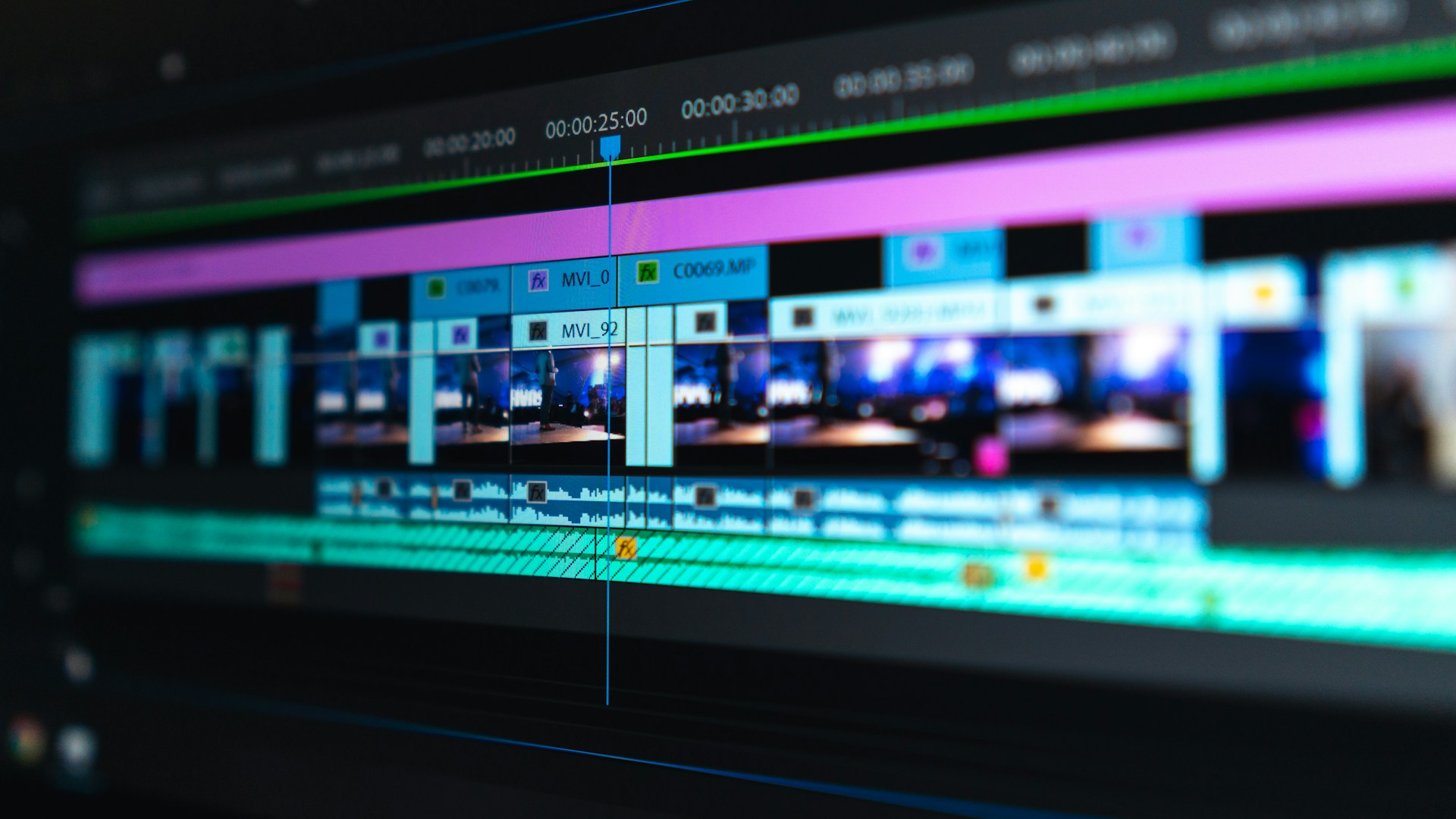
Table of Contents
Investing in AI video tools can significantly streamline your content creation process, but whether it’s worth it depends on your specific needs and usage. The bottom line? If you’re regularly producing video content — whether for marketing, streaming, or social media — AI video technology could save you countless hours and improve the quality of your projects. Tools like Adobe Premiere Pro’s AI features and Descript are game-changers for many creators. However, if you’re an occasional video user or on a tight budget, these tools might not provide enough value to justify their costs.
AI Video Editing Overview
AI video editing tools leverage machine learning to assist in various stages of video production. This ranges from automatic editing and scene recognition to advanced features like audio transcription and automated script generation. They serve to streamline tasks that would typically require hours of manual labor, making video production faster and more intuitive.
Some notable AI video tools include:
- Adobe Premiere Pro: Starting around $20.99/month, it integrates AI-powered tools like Scene Edit Detection and Auto-Reframe, which can transform existing video footage into different formats quickly, adapting to the needs of platforms like Instagram or YouTube.
- Descript: Priced at about $15/month, Descript focuses on simplifying editing by allowing users to edit audio and video like a text document. Features include automatic transcription, overdubbing, and video stabilization, making it ideal for podcasters and marketers alike.
Core Features of AI Video Tools
To help you decide whether AI video tools are right for you, let’s look at how they compare in terms of features and usability:
| Feature | Adobe Premiere Pro | Descript | Filmora AI |
|---|---|---|---|
| Pricing | ~$20.99/month | ~$15/month | ~$69.99/year |
| Automatic Editing | Yes (Scene Edit Detection) | Yes (Text-based editing) | Yes (AI video suggestions) |
| Audio Transcription | Yes | Yes | No |
| Overdubbing | No | Yes | No |
| Ease of Use | Moderate | Very user-friendly | Easy for beginners |
| Collaboration Tools | Excellent (Cloud-based) | Good (Real-time editing) | Limited |
Pros of AI Video Editors
-
Time Efficiency: AI can drastically reduce the time needed for video editing. For instance, the Scene Edit Detection feature in Premiere Pro allows you to quickly identify cuts in raw footage — a huge time-saver for editors working on lengthy projects.
-
Quality Improvement: AI tools enhance video quality by automating tasks like color correction and audio normalization. This is especially useful for marketers who want to produce polished content rapidly.
-
User-Friendly: Many AI video tools are designed with a focus on ease of use, making them accessible even to those without extensive editing knowledge. This can empower smaller teams or individual creators.
-
Adaptability: With features like Auto-Reframe, you can easily adapt content for different platforms, ensuring your videos look great whether viewed on a smartphone or a desktop.
Cons of AI Video Editors
-
Cost: While tools offer significant benefits, they often come with a subscription model that may not be financially feasible for occasional users. For someone who produces only a few videos per year, the cost might outweigh the benefits.
-
Learning Curve: While many tools are user-friendly, mastering advanced features still requires a time investment. If you’re not committed to learning the software, the basic functionalities might not suffice.
-
Quality Control: Depending entirely on AI can lead to oversights. You may still need to manually review edits to ensure they align with your vision, especially for nuanced projects.
Who This Is For
-
Freelancers and Agencies: If you’re creating video content for clients regularly, investing in AI video tools can enhance your output and client satisfaction.
-
Marketers and Social Media Managers: Those focused on content marketing and social media will benefit tremendously from the efficiencies provided by these tools.
-
Content Creators and Podcasters: If you need to produce regular videos or podcasts, tools like Descript can enhance your work while saving tons of editing time.
Who Should Skip This
-
Occasional Users: If video production is not a primary aspect of your work, paying for an AI video editor may not be necessary. You’re likely better off with free or simpler editing software.
-
Non-Tech Savvy Users: If you struggle with basic video editing or technology, the advanced features of AI tools might be overwhelming and lead to frustration rather than efficiency.
Final Recommendation
In a nutshell, AI video tools are worth it if you’re regularly involved in video production and seek to optimize your workflow. With tools like Adobe Premiere Pro and Descript leading the charge, the capabilities they offer can make a notable difference in both time and output quality.
On the flip side, if you’re not producing videos frequently or lack the inclination to learn more complex software, it’s wise to stick with more straightforward, budget-friendly options.
In short, make the leap if video is your medium; stay smart and simple if it’s just a side project. Your choice should ultimately align with your specific needs, budget, and ambitions.